¶ Header
- The header is visible only on galleries
To each Gallery you can add an upper section that will be separated from the rest of the gallery. The header usually contains general information about the entire gallery.
Header overview video:
Setup_header.mp4
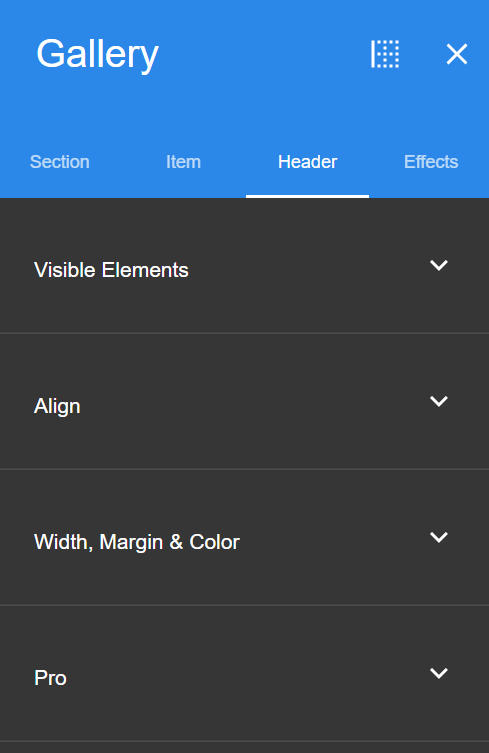
¶ Visible Elements
Here you can set which elements will be added to the header.
For more information about each element, see - Elements page
¶ Align
Set the alignment of the elements on the header; You can set the alignment of text elements (right-to-left/left-to-right), and also the general alignment of the elements within the header (Horizontal and vertical alignment).
¶ Width, Margin & Color
- Content Box Margin - Set the spacing above and below the header’s content box
- Content Box Padding - Set the spacing on the sides of the header’s content box
- Content Box Max Width - Set max width of the header’s content box
- Content Box Radius - Set the corners’ radius degree of the header’s content box (will only be visible if the item has a different background than the entire section or the entire item)
- Content Box Background - Set the content box’s background color
- Item Background - Set the item’s background color